Event Invitations and Monograms
Design elegant names and initials for wedding invitations, save-the-date cards, and greeting stationery using graceful brush scripts.
Preview open-source brush script and hand-painted fonts live, customize gradients and outlines, and download transparent PNG, JPG, or vector SVG files with zero watermarks.
Create expressive hand-painted calligraphy with our free brush font generator. Type your text to preview open-source brush script and hand-painted fonts live in your browser, then customize size, spacing, slant, line height, alignment, gradients, outlines, and shadows. When you finish designing, download transparent PNG, JPG, vector SVG, or printable tracing worksheet PDF files for your creative projects.
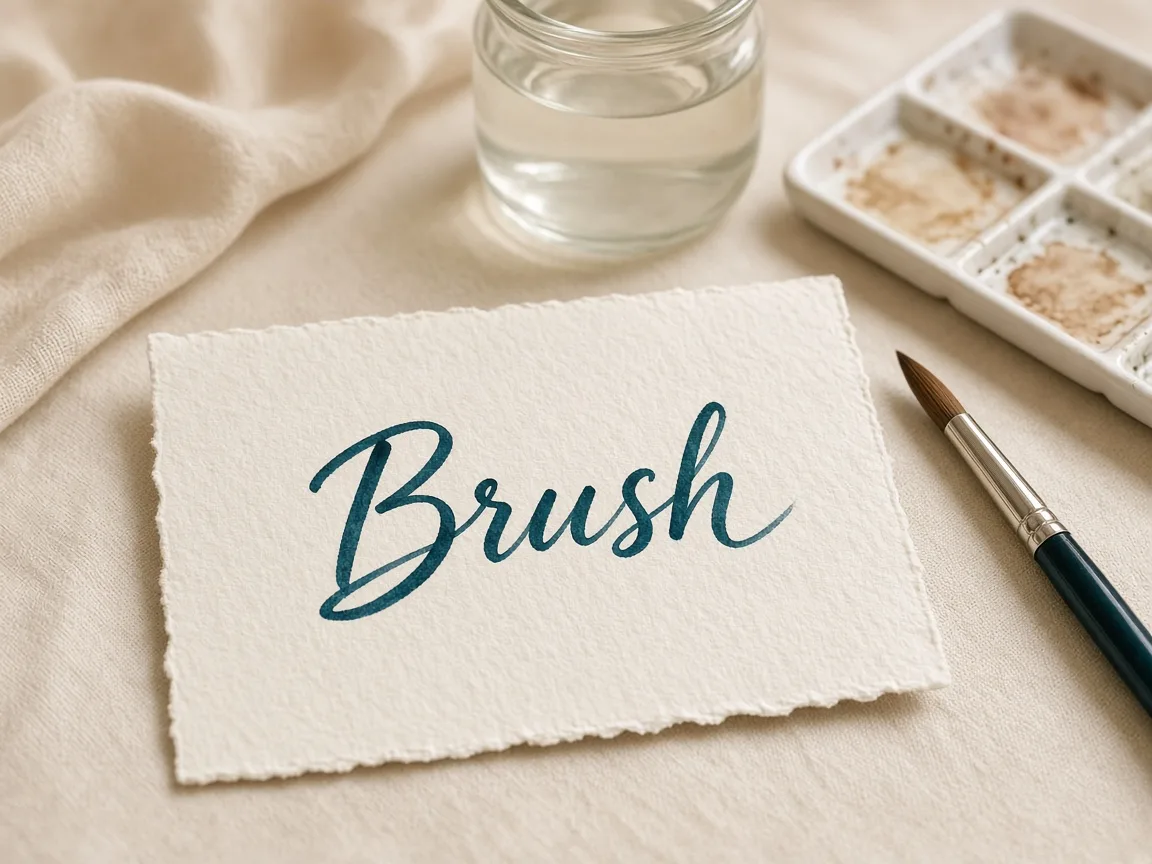
Type words or phrases above to preview custom brush lettering styles.
Four-line handwriting rows: ascender line, dashed midline, baseline and descender line. Your text is printed as a model row with light gray tracing rows.
Type your words, initials, or quote into the text box to render instant brush lettering previews.
Browse open-source brush script fonts like Kaushan Script, Pacifico, Satisfy, or Cookie.
Adjust size, spacing, slant, alignment, gradient fills, stroke outlines, and text shadows.
Download transparent PNG, JPG, vector SVG, or printable tracing worksheet PDF files.
Design elegant names and initials for wedding invitations, save-the-date cards, and greeting stationery using graceful brush scripts.
Export transparent PNG or vector SVG typography for product labels, t-shirt prints, social media banners, and handcrafted brand assets.
Generate printable tracing worksheet PDFs of custom phrases to practice hand-lettered brush pen techniques directly on paper.
| Feature | ✦ Cursive Generator | Account-Based Generators |
|---|---|---|
| User Registration | ✓No account, sign-up, or login required. | –Requires account registration and email verification. |
| Data Privacy | ✓Renders locally in browser without uploading text. | –Transmits entered text to remote cloud servers. |
| Font Licensing | ✓Open-source fonts under SIL OFL or Apache 2.0. | –Proprietary fonts often restricted to paid subscriptions. |
| Export Formats | ✓Free transparent PNG, JPG, vector SVG, and tracing PDF. | –Vector SVG and transparent exports locked behind paywalls. |
| Watermark Policy | ✓Completely clean files with zero watermarks. | –Watermarks placed across free tier exports. |
Preview open-source brush and hand-painted fonts instantly with responsive browser-based design controls.
All brush font rendering and canvas shaping happen locally in your web browser without network latency. You can test different letter spacing values, slant angles, and two-color gradient combinations until your typography looks balanced. Preview your text against background paper options right on your screen to verify legibility and contrast.
Download transparent raster graphics, versatile JPGs, scalable vector assets, and printable calligraphy worksheets.
Download clean transparent images without background boxes for seamless overlay on photos or products.
Export ready-to-share raster image files formatted for web graphics, social sharing, and quick drafts.
Download crisp vector outlines that scale infinitely for cutting machines, screen printing, and vector editors.
Generate custom PDF worksheets to practice brush pen calligraphy and hand-lettering strokes on paper.
Export options are available on a per-font basis, allowing you to quickly save individual styles that suit your project. Scalable SVG files can be imported into design tools like Illustrator, Figma, or Inkscape for further adjustments. Printable PDF worksheets let you take your lettering off the screen for manual practice.
Create custom brush lettering entirely inside your browser with complete privacy and commercial-friendly fonts.
Because Cursive Generator relies on local browser rendering, the tool operates privately and smoothly without sending your text across the internet. All 122 fonts in the catalog adhere to established open-source licenses, allowing both personal and commercial use. You can produce graphics for personal portfolios or commercial products with full confidence.
Try also: name in cursive · cursive worksheets · tattoo fonts · wedding calligraphy · gothic fonts · signature generator · best free cursive fonts
You can create a wedding monogram for free using Cursive Generator's Brush Font Generator. Type your initials or names into the text box and test romantic brush script typefaces like Sacramento, Satisfy, or Kaushan Script. You can customize letter spacing, stroke outlines, and soft shadow effects or apply two-color gradient fills right in your browser. When you are pleased with your monogram design, export it as a transparent PNG or vector SVG with no watermarks.
Yes, the brush font generator on Cursive Generator is completely free to use with no fees or subscriptions. You do not need to register an account or log in to access any font, design slider, or export format. Every generated transparent PNG, JPG, vector SVG, and printable tracing worksheet PDF downloads instantly without watermarks. All features are fully accessible to every user without hidden limits.
Yes, you can use all exported brush lettering designs for commercial and personal projects. Cursive Generator bundles 122 open-source fonts licensed under the SIL Open Font License or Apache 2.0. These permissive licenses allow you to print designs on physical merchandise, create logos, produce client graphics, or build digital assets. You never have to pay licensing royalties or attribute the tool.
No, Cursive Generator renders all text locally inside your web browser and never uploads your data. Your keystrokes, phrases, and font rendering calculations remain entirely on your local machine. Because no text is transmitted over the network, your personal messages and project drafts stay completely private. You can safely generate names, quotes, and custom typography without external tracking.
The generator includes open-source brush script and hand-painted fonts like Kaushan Script, Pacifico, Sacramento, Satisfy, Yellowtail, Cookie, Lobster, Caveat Brush, Yesteryear, Mansalva, Knewave, Damion, and Condiment. These styles are part of Cursive Generator's catalog of 122 open-source fonts licensed under SIL OFL or Apache 2.0. When you type your text, each brush font updates simultaneously in a live preview so you can compare brush stroke textures. This helps you quickly select the exact hand-painted or casual script aesthetic you need.
You can add outlines and drop shadows directly using the canvas styling controls on the page. Use the stroke controls to specify an outline color and adjust the stroke width around your letters. Then, configure the text shadow settings by choosing a shadow color, blur radius, and horizontal or vertical offset. These effects render immediately on your screen, giving your brush lettering dimension and contrast.
You can apply two-color gradients across your brush lettering using the fill controls. Select whether you prefer a solid fill or a horizontal, vertical, or radial gradient. Pick your primary color along with a second color to create smooth transitions across the brush strokes. The live preview updates instantly so you can test subtle ombré tones or vibrant color blends.
Yes, you can download scalable vector SVG files for each individual font without watermarks. Vector SVG exports preserve crisp stroke outlines at any resolution without pixelation or quality loss. You can import these vector files into crafting plotters, vinyl cutters, or design software like Adobe Illustrator and Inkscape. Every SVG file is generated locally in your browser and is free for personal and commercial use.
You can generate a printable tracing worksheet PDF directly from the generator interface. This feature formats your entered words into faint guideline templates ideal for manual tracing. You can print the PDF file on any standard home printer to practice brush pen angles, pressure, and letter connections by hand. It provides a convenient bridge between digital typography design and physical lettering practice.
You can adjust letter spacing, slant, line height, and alignment using the dedicated interactive sliders and buttons. Move the letter spacing slider to tighten or expand the gaps between script characters, and use the slant slider to add dynamic angle to your strokes. You can also change font size, line height, and choose left, center, or right text alignment to structure multi-line phrases. All layout modifications render instantly in the browser so you can fine-tune every detail.
Yes, the tool provides background paper options so you can preview how lettering looks on different textures. Selecting a paper option allows you to evaluate your text colors, gradient fills, and shadow contrast against varied simulated surfaces. When you download a transparent PNG or vector SVG, the background paper is omitted so you receive a clean graphic with no backdrop. You can also download JPG files if you want an export that includes a presentation background.
Type your text above to preview open-source brush script fonts and download your transparent PNG, JPG, or vector SVG graphic instantly.
Generate Brush Lettering →