EN
TEXT TO HANDWRITING

Text to Handwriting Converter

Turn typed notes into realistic handwriting on lined or grid paper, adjust pen wobble, and download multi-page documents directly in your web browser.

Generate Handwritten Page →No sign-up · Runs in your browser · Free

This free text to handwriting converter turns your typed notes, letters, and drafts into realistic handwritten pages directly in your browser. Paste your text, customize the font, paper background, ink color, and natural wobble, and download clean PNG images or a printable multi-page PDF formatted for US Letter or A4 sheets.

A handwritten-style thank-you note in blue Homemade Apple lettering on an open notebook
Lettering rendered with Cursive Generator tools

HOW IT WORKS

Generate handwriting in four simple steps

01

Enter Your Text

Paste paragraphs, study notes, or assignments into the editor to generate an immediate live preview.

02

Choose a Font

Select from 122 open-source cursive and print typefaces licensed under SIL OFL or Apache.

03

Adjust Page Style

Pick lined, grid, or blank sheets, select ink colors, and tune letter wobble and spacing.

04

Download Your Document

Export finished single sheets as PNG images or multi-page layouts as printable A4 and Letter PDFs.

USE CASES

Where to use handwritten text exports

Open lined notebook with tea and a blue pen

Personal Letters and Notes

Transform typed thank-you notes, greeting cards, or informal messages into warm, handwritten drafts. Choose casual script fonts and subtle ink variations to make short correspondence look genuinely penned by hand before sharing or printing.

Classroom corkboard with a blank sheet and sticky notes

Mood Boards and Design Mockups

Add authentic pen lettering to branding decks, social media templates, and concept art without hand-lettering from scratch. Export transparent PNGs or textured pages to layer directly into your graphic design software and creative boards.

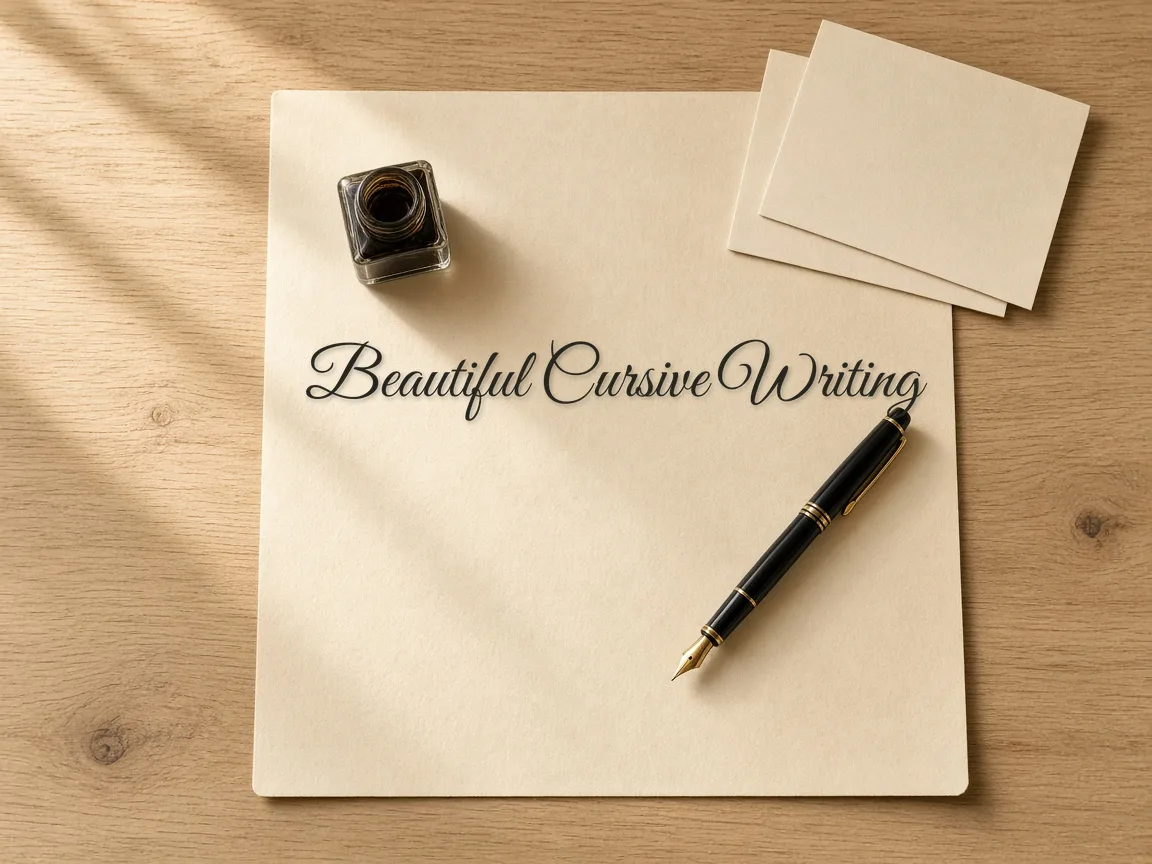
Cream paper, fountain pen and ink bottle on a wooden desk

Printable Journaling Pages

Prepare clean bullet journals, reading logs, and daily planners with lined or dotted paper guides. Render multi-page reflective entries using natural cursive styles, then export ready-to-print A4 or US Letter sheets for physical binders.

FEATURE COMPARISON

How Cursive Generator compares with standard tools

Feature✦ Cursive GeneratorStandard Cloud Generators
Data Privacy✓Renders completely inside your browser with zero server uploads.–Sends submitted text and generated files to remote servers.
Account Requirement✓No account, signup, or login is ever required.–Often requires an email address and profile registration.
Font Licensing✓Includes 122 open-source fonts under SIL OFL or Apache licenses.–May bundle proprietary fonts with restrictive personal-use licenses.
Multi-Page Export✓Splits long text across multiple pages with PDF downloads.–Typically restricts downloads to single-page snippets or image captures.
Natural Pen Wobble✓Adjusts letter tilt, baseline variation, and stroke irregularities dynamically.–Outputs rigid digital font vectors along fixed baseline grids.
Customizing Paper, Ink, and Natural Variation

Customizing Paper, Ink, and Natural Variation

Turn typed text into convincing handwritten documents by tailoring paper backgrounds, realistic ink tones, and subtle handwriting variations.

  • Versatile Paper Backgrounds Choose between clean white sheets, college-ruled notebook lines, or subtle grid paper patterns.
  • Curated Handwriting Fonts Select open-source fonts ranging from casual cursive scripts to tidy print lettering styles.
  • Natural Wobble Control Introduce subtle baseline shifts, minor rotations, and gentle letter-spacing irregularities that mimic real penmanship.
  • Realistic Ink Palette Style text with authentic pen shades, including ballpoint black, deep blue, gel pen, or pencil gray.
Learn more

Fine-tune font sizes and line heights so your lines fit standard paper margins and ruling. These adjustments ensure your rendered sheets never look like repetitive digital typography.

Practical Everyday Uses for Handwritten Documents

Convert digital passages into handwritten documents for relaxed revision sessions, visual concept mockups, and personalized keepsakes.

01

Study Notes and Revision

Transform monotonous digital text into structured reference sheets that look and feel like handwritten study notebooks.

02

Design Mockups and Boards

Add organic handwritten flair to mood boards, story concepts, and product presentations where standard fonts feel rigid.

03

Personal Letters and Keepsakes

Draft heartfelt letters, journal pages, and family recipe sheets without spending hours writing each word by hand.

04

Long Passage Conversion

Paste lengthy texts at once to generate multi-chapter stories or complete study modules in seconds.

Learn more

Handwritten layouts make studying less formal and bring personality to creative presentations. You can quickly generate polished, unique pages for both work and personal archiving without physical strain.

Automatic Multi-Page Layout and Flexible Export

Automatic Multi-Page Layout and Flexible Export

The automatic pagination engine lays out long texts across multiple pages, letting you export cleanly formatted PDFs or high-resolution images.

  • Automatic Document Pagination Paste long essays without manual splitting as the layout engine calculates page breaks based on margins and line heights.
  • High-Resolution PNG Images Export individual sheets as crisp PNG image files ideal for mood boards, collages, and slide decks.
  • Multi-Page PDF Downloads Save entire multi-page documents as combined PDF files ready for printing or offline reading.
  • Letter and A4 Sizing Switch between standard US Letter and international A4 page dimensions with a single click.
Learn more

The layout engine dynamically balances font sizes, line heights, and margins to keep your margins clean on physical paper. Whether printing study packets or embedding images into digital slides, your exported files match standard printing specs.

Try also: name in cursive · cursive worksheets · tattoo fonts · wedding calligraphy · gothic fonts · signature generator · best free cursive fonts

FAQ

Frequently Asked Questions

Is this text to handwriting converter free to use?

Yes. Cursive Generator is completely free. There are no subscriptions, paywalls, or feature limits. You do not need to create an account or sign in to convert text, customize handwriting styles, or download your completed files.

Does my text get uploaded to a server?

No. All rendering takes place locally in your web browser. Your typed words, personal letters, and notes remain on your own device and are never sent over the internet or saved to an external database.

How does the tool make typed text look handwritten?

The converter combines open-source handwriting fonts with realistic paper backgrounds and customizable ink colors. Enabling natural wobble introduces subtle offsets in letter height, rotation, and spacing, mimicking the natural imperfections found in genuine human handwriting.

Can I convert long texts across multiple pages?

Yes. You can paste long texts and the tool automatically creates new pages whenever the content exceeds the page height. You can review every page in the live preview and export them together as a multi-page PDF.

Which file formats and page sizes can I download?

You can export your handwritten pages as individual PNG image files or compile the full document into a multi-page PDF. Both US Letter and international A4 dimensions are supported to match standard home and office printing paper.

Can I use handwritten documents created with this tool for commercial projects?

Yes. Cursive Generator includes 122 open-source handwriting fonts licensed under the SIL Open Font License (OFL) or Apache 2.0, allowing you to use your exported documents for both personal and commercial purposes. You can freely generate handwritten pages, mockups, or graphics without paying licensing fees or attribution royalties. All rendering takes place locally in your browser.

Do I need to create an account or log in to use the text to handwriting converter?

No, you do not need an account or login to use Cursive Generator. The text to handwriting converter is completely free to access directly in your browser without any sign-up process. You simply paste your text, adjust paper and font settings, and export your files. Because rendering runs locally on your device, no personal credentials or registration details are ever collected.

Can I write text on lined paper or grid paper instead of blank sheets?

Yes, Cursive Generator lets you choose between clean white paper, classic college-ruled lines, and subtle grid patterns. You can adjust the font size, line height, and paper margins so your handwriting aligns naturally with the printed rules. Paired with ink options like ballpoint black or deep blue, your exported pages will closely resemble genuine physical notebook sheets.

Can I download handwritten text with a transparent background or as vector SVG?

Yes, Cursive Generator supports exporting handwritten text as transparent PNG images and vector SVG files. These formats make it easy to overlay custom handwritten lettering onto design mockups, digital scrapbooks, mood boards, or creative graphics without any white paper backdrop. If you need full documents instead, printable multi-page PDFs formatted for US Letter and A4 are also supported.

Can I convert typed study notes or personal letters into printable handwritten pages?

Yes, Cursive Generator is designed to turn typed study notes, personal letters, journal drafts, and recipe keepsakes into realistic handwritten documents. You can paste long paragraphs or full study modules at once, and the built-in layout engine will automatically paginate the text across sheets. You can then download printable multi-page PDF files formatted for standard A4 or US Letter sizes.

Can I change ink colors and add text shadows to my handwriting?

Yes, you can customize both ink colors and text styling directly in Cursive Generator. The tool provides authentic pen colors, including deep blue, ballpoint black, graphite pencil gray, and rich gel pen shades. You can also enable text shadows and adjust natural wobble settings—like baseline shifts, tiny rotations, and spacing variations—to produce convincingly realistic penmanship.

Turn your typed text into natural handwriting today

Paste your text, choose a free open-source font, customize the paper layout, and download your pages without creating an account.

Generate Handwritten Page →
RELATED

Explore more lettering tools