Social Profile Names
Copy Unicode script characters to display stylized cursive text in your Instagram bio, Twitter display name, or TikTok profile without uploading images or requiring followers to install custom fonts.
Preview any name across 122 open-source script fonts, copy instant Unicode text, and export clean graphics or custom practice worksheets directly in your browser.
Type any first name, full name, or nickname above to see your name in cursive rendered instantly across 122 open-source lettering styles. You can copy a quick Unicode script version for social bios, download high-resolution transparent PNG or vector SVG files for crafts, or generate a printable tracing worksheet for handwriting practice right in your browser.
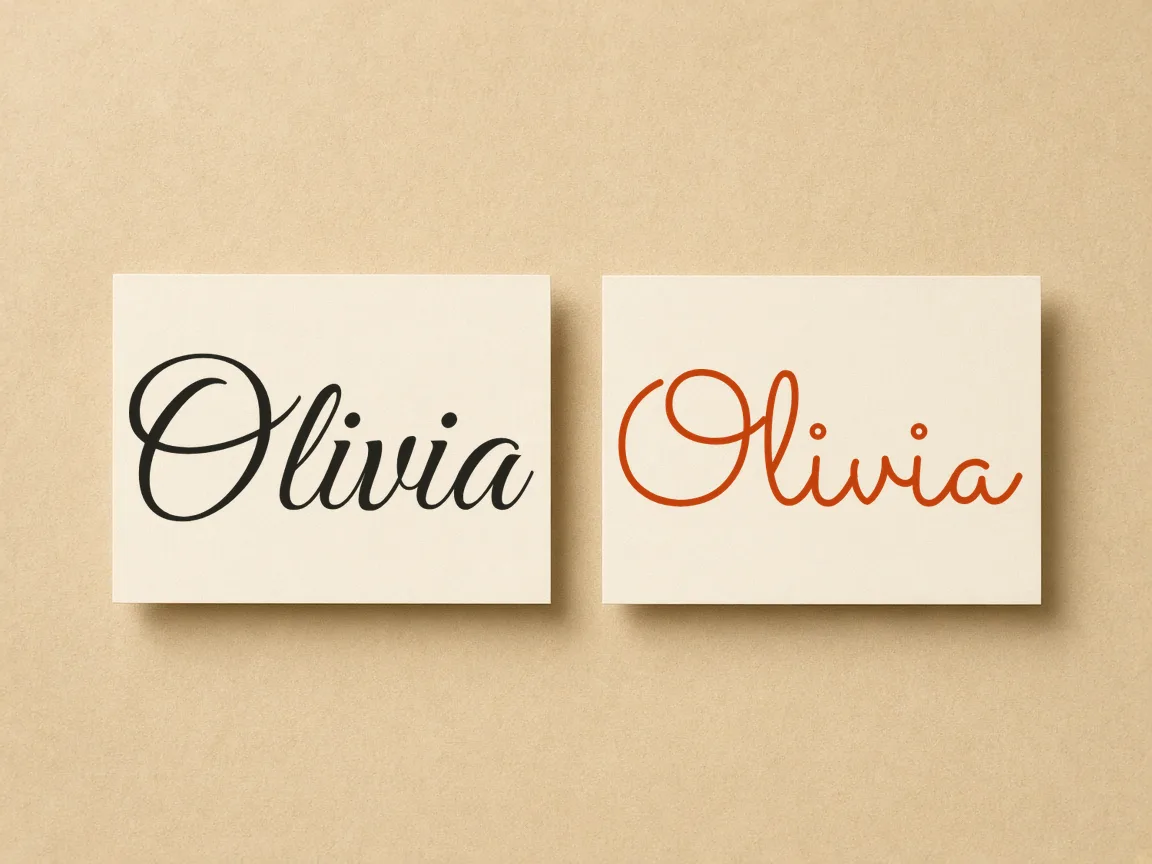
Type a name above to see it written in cursive.
Four-line handwriting rows: ascender line, dashed midline, baseline and descender line. Your text is printed as a model row with light gray tracing rows.
Enter any first name, full name, or initials into the text box above.
Scroll through 122 open-source cursive fonts rendered side by side instantly.
Adjust font size, stroke thickness, color, and ruled practice guidelines to fit your project.
Download transparent PNGs, scalable SVG paths, or copy raw Unicode text with one click.
Copy Unicode script characters to display stylized cursive text in your Instagram bio, Twitter display name, or TikTok profile without uploading images or requiring followers to install custom fonts.
Export transparent PNG or vector SVG files to print custom wedding place cards, monogrammed holiday gift tags, personalized greeting cards, or vinyl decals for water bottles and storage boxes.
Generate printable tracing worksheets featuring dotted letters and guideline rows so elementary students can practice pen control, letter connections, and handwriting muscle memory on their very own name.
| Feature | ✦ Cursive Generator | Traditional Font Catalogs |
|---|---|---|
| Account Requirement | ✓No registration, logins, or personal details required. | –Often requires creating an account before downloading. |
| Live Name Previews | ✓Simultaneous rendering across 122 fonts on one screen. | –Previews typically show one font family per page. |
| Vector SVG Export | ✓Instant browser-generated SVG files ready for craft cutters. | –Usually requires desktop design software to outline fonts. |
| Printable Worksheets | ✓Built-in ruled tracing sheets with dotted practice lines. | –Worksheets generally sold separately as static PDF files. |
| Data Privacy | ✓Client-side processing keeps all entered names in your browser. | –Searches and names sent to remote web servers. |
Preview your name across 122 distinct open-source cursive fonts simultaneously to find the perfect script aesthetic for your project.
Static alphabet charts cannot capture how specific letter combinations connect. Testing your text live reveals subtle spacing nuances, whether creating a stationery signature, a wedding monogram, or an embroidery file. Choose between formal heritage elegance and relaxed, modern aesthetics with instant visual feedback.
Export your chosen cursive lettering in multiple formats ready for digital profiles, graphic design, and crafting machines.
Copy script characters directly into Instagram bios, TikTok profiles, Discord handles, or text messages without uploading images.
Download clean vector outlines for Cricut cutters, Silhouette machines, laser engravers, and vector design tools.
Save high-resolution PNGs with transparent backgrounds that layer cleanly over paper textures, photos, and slides.
All rendering and conversion runs entirely in your browser using HTML5 Canvas and SVG without server uploads.
Getting your finished design into your workflow takes a single click. Vector SVGs maintain infinite resolution at any physical size without pixelation, while transparent PNGs prevent unsightly white borders. Because no data leaves your device, every export remains completely private and instantaneous.
Create personalized, printable cursive handwriting worksheets instantly by entering any student name.
Practicing personalized names engages students far more than copying generic alphabet drills. Children build muscle memory on dotted guide paths before practicing independently on the blank ruled lines below. Simply enter a new name, adjust options, and print fresh sheets ready for pencil, pen, or marker practice.
Try also: name in cursive · cursive worksheets · tattoo fonts · wedding calligraphy · gothic fonts · signature generator · best free cursive fonts
Yes. All 122 fonts featured on Cursive Generator are open-source fonts released under the SIL Open Font License or Apache 2.0 license. These licenses allow both personal and commercial use without royalty fees. You can use exported PNG or SVG files on commercial merchandise, printed products, logos, book covers, and client branding projects.
Click the Copy Unicode button located next to the preview bar. The site instantly copies mathematical script symbols matching your entered letters to your system clipboard. You can paste this text directly into profile bios, Instagram captions, TikTok usernames, or messaging apps without installing special keyboard apps or fonts.
No. Everything runs locally in your web browser using client-side JavaScript. The text you type, the rendered font previews, and generated files never leave your computer. There are no server uploads, no analytics tracking what names you write, and no accounts required to access any tool on the site.
PNG provides a flat raster image with a transparent background, ideal for digital graphics, presentations, and website mockups. SVG provides scalable vector paths, which allows cutting machines like Cricut, vinyl plotters, and laser cutters to trace clean cut lines without losing resolution when scaled to larger dimensions.
Scroll to the Worksheet section under your previewed name, choose your preferred guidelines style, and click Print Worksheet. Your browser print menu will open formatted for standard US Letter or A4 paper. You can adjust line darkness or add blank practice rows before printing directly on your home or school printer.
Yes, Cursive Generator is a free browser-based cursive name generator that requires no registration, account creation, or login. You can immediately enter any first name, full name, or nickname to preview it across 122 open-source script typefaces. All lettering renders directly in your browser without paywalls or usage limits, allowing you to copy Unicode text or export transparent PNG and vector SVG graphics in one click.
Cursive Generator allows you to preview your name across 122 cursive fonts and export a clean vector SVG specifically suited for cutting machines. Because SVG files retain infinite resolution and crisp vector paths, they import directly into Cricut Design Space, Silhouette Studio, or laser engraving software without pixelation. You can also adjust letter spacing, text size, and line height beforehand to ensure all script joiners cut cleanly.
Cursive Generator previews your name across 122 open-source script typefaces spanning traditional copperplate, energetic modern brush calligraphy, and clean monoline scripts. Traditional copperplate evokes the timeless elegance of flexible fountain pens, modern brush lettering delivers casual bounce for creative crafts, and monoline styles provide crisp legibility at compact display sizes. Viewing your specific letter combinations side by side makes it easy to choose the right aesthetic.
Yes, Cursive Generator includes real-time controls to adjust text size, letter spacing, line height, stroke color, and text shadows directly in your browser. Because every cursive typeface joins uppercase initials, lowercase connectors, and descender loops differently, fine-tuning these parameters helps you balance the overall layout. Once you achieve the desired visual appearance, your custom styling carries over seamlessly into transparent PNG or SVG downloads.
No, Cursive Generator operates entirely within your web browser without requiring any software downloads, plugins, or local font installations. All 122 open-source script typefaces are loaded directly by the online tool, so you can preview, customize, and export names on desktop computers, tablets, or smartphones. You simply open the page, type your name, and receive instant rendering without modifying your system settings.
Yes, Cursive Generator features a dedicated ambigram page equipped with a 180-degree flip check to test whether your lettering reads upside down. While the name generator displays your text across 122 standard script typefaces, the ambigram tool allows you to examine rotational symmetry for tattoos, badges, or reversible logos. This feature helps lettering artists and makers verify that symmetrical designs remain legible from both orientations.
Type your name above to explore 122 distinct cursive fonts, copy Unicode text, or download print-ready files instantly.
Generate Cursive Name →