
Streetwear and Merch Mockups
Export transparent PNG or vector SVG text to overlay custom urban lettering onto t-shirts, hoodies, stickers, and skate deck mockups.
Preview open-source graffiti, marker, and brush fonts live, adjust gradients and shadows, and download transparent PNG or vector SVG files with zero watermarks.
Create bold street-style lettering with our free graffiti font generator. Type your text to preview open-source graffiti, marker, and brush fonts live in your browser, then customize size, spacing, slant, gradients, and shadows. When you finish designing, download transparent PNG, vector SVG, or printable tracing worksheet PDF files for your creative projects.
Type words or names above to preview custom graffiti styles.
Four-line handwriting rows: ascender line, dashed midline, baseline and descender line. Your text is printed as a model row with light gray tracing rows.
Type your name, tag, or phrase into the text field to render instant previews.
Choose from graffiti styles like Sedgwick Ave, Permanent Marker, Rock Salt, or brush fonts.
Adjust size, spacing, slant, gradient fills, text shadows, and paper backgrounds.
Download transparent PNG, scalable vector SVG, or printable tracing worksheet PDF files.
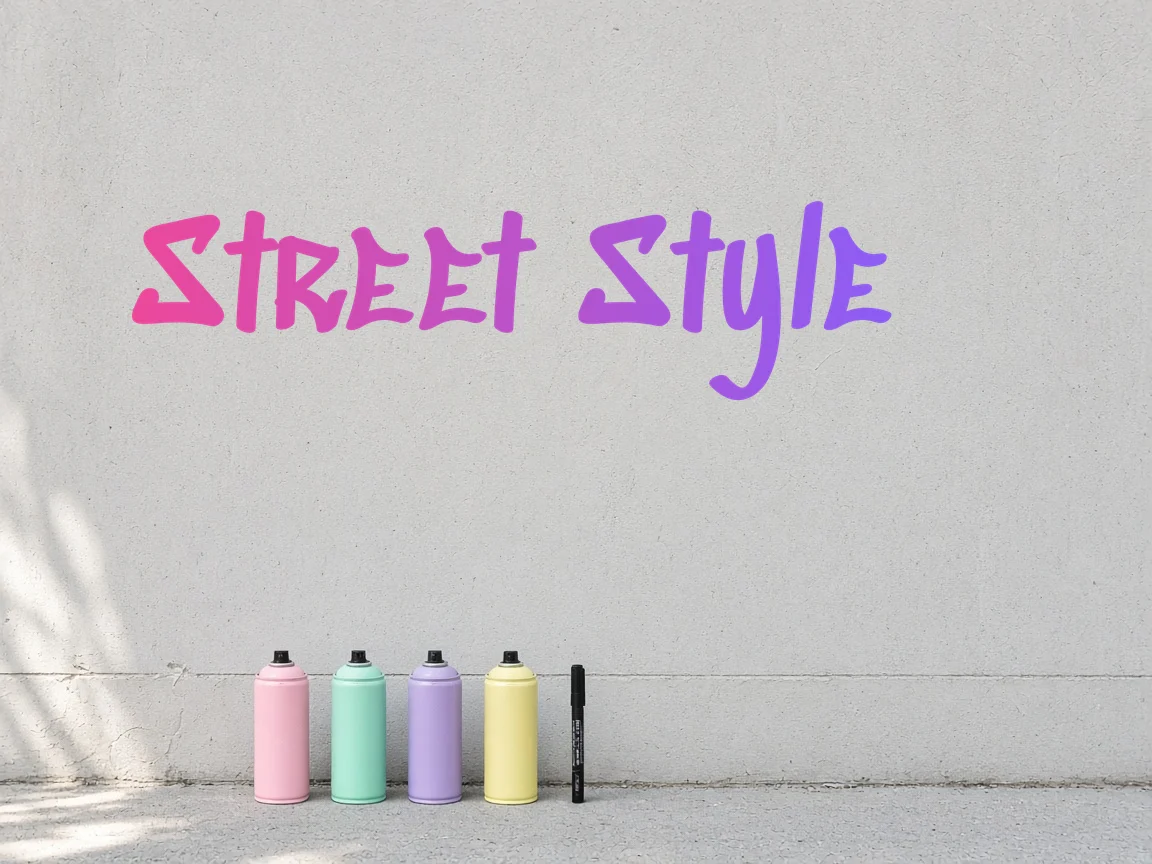
Export transparent PNG or vector SVG text to overlay custom urban lettering onto t-shirts, hoodies, stickers, and skate deck mockups.
Create stylized tags, banner headlines, and thumbnail graphics using bold marker fonts, custom gradient fills, and soft text shadows.
Generate printable tracing worksheet PDFs of your custom text to practice pen control, letter weights, and tag flow on paper.
| Feature | ✦ Cursive Generator | Account-Based Generators |
|---|---|---|
| User Registration | ✓No account, sign-up, or login required. | –Requires account sign-up and email confirmation. |
| Data Privacy | ✓Renders locally in browser without uploading text. | –Transmits entered text to remote servers. |
| Font Licensing | ✓Open-source fonts under SIL OFL or Apache 2.0. | –Proprietary fonts often restricted to paid tiers. |
| Export Formats | ✓Free transparent PNG, vector SVG, and tracing PDF. | –Vector downloads frequently locked behind paywalls. |
| Watermark Policy | ✓Completely clean files with zero watermarks. | –Watermarks placed on free export tiers. |
Preview open-source graffiti, marker, and brush fonts instantly with live browser-based canvas controls.
All font rendering and canvas shaping happen locally in your web browser without network delay or lag. You can test different letter spacing, slant angles, and two-color gradient combinations until your design feels balanced. Preview your text against paper textures right on your screen to verify legibility and contrast.
Download transparent raster graphics, scalable vector assets, and printable hand-lettering worksheets.
Export clean raster graphics without background boxes for immediate use on digital artwork.
Download vector paths that scale to any dimension for print, decals, or vector editing.
Generate PDF worksheets to practice graffiti strokes and marker hand lettering on paper.
Every file downloads without watermarks, subscription prompts, or hidden usage limits.
Export options are available on a per-font basis, allowing you to quickly save individual styles that suit your project. Scalable SVG files can be imported into design tools like Illustrator, Figma, or Inkscape for further adjustments. Printable PDF worksheets let you take your lettering off the screen for manual practice.
Design custom graffiti art entirely inside your browser with complete privacy and commercial-friendly fonts.
Because Cursive Generator relies on local browser rendering, the tool operates privately and smoothly without sending your text across the internet. All 122 fonts in the catalog adhere to established open-source licenses, allowing both personal and commercial use. You can produce graphics for personal portfolios or commercial products with full confidence.
Try also: name in cursive · cursive worksheets · tattoo fonts · wedding calligraphy · gothic fonts · signature generator · best free cursive fonts
Yes, the graffiti font generator on Cursive Generator is completely free to use. You do not need to register, create an account, or log in to access any font or customization setting. All exports, including transparent PNG, vector SVG, and printable PDF tracing sheets, are available without payment. There are no export limits or watermarks applied to your files.
Yes, you can use all generated graffiti text graphics for commercial and personal projects. The bundled typefaces are open-source fonts licensed under the SIL Open Font License or Apache 2.0. These permissive licenses permit use on commercial merchandise, digital artwork, promotional graphics, and client projects. You can export PNG or SVG files and apply them freely without licensing fees.
You can make a free graffiti name tag by typing your text into Cursive Generator's graffiti font generator. Select from open-source graffiti and marker styles like Sedgwick Ave, Permanent Marker, or Rubik Wet Paint. Adjust size, letter spacing, slant, gradients, and text shadows directly in your browser. When satisfied, download a transparent PNG or vector SVG file with no watermark.
No, Cursive Generator renders all text locally in your browser and does not upload your text. All font shaping, canvas rendering, and file export operations occur strictly on your local device. Because your keystrokes are never transmitted across the network, your input remains entirely private. You can even design and export graphics without an active internet connection once the page is loaded.
The tool includes dedicated graffiti and marker fonts such as Sedgwick Ave Display, Sedgwick Ave, Permanent Marker, Rock Salt, and Rubik Wet Paint, alongside brush styles. These typefaces are part of Cursive Generator's collection of 122 open-source fonts licensed under SIL OFL or Apache 2.0. As you enter text, you can preview your words live in each font simultaneously. This allows you to evaluate how different spray, marker, and brush aesthetics fit your lettering.
Yes, you can customize your graffiti text with two-color gradients and adjustable drop shadows. The tool supports solid colors as well as horizontal, vertical, and radial gradients using a secondary color. You can also adjust text shadow controls including shadow color, blur radius, and offset values. These controls update in real time to give your lettering custom depth and street-art contrast.
You can export a transparent PNG by clicking the PNG download option for your chosen font. The resulting image contains no background color or bounding box, allowing you to drop it directly over photos, graphics, or apparel mockups. The export process runs client-side in your browser and produces a clean file without watermarks. You can also preview against different background paper options before downloading.
Yes, Cursive Generator provides per-font vector SVG downloads that scale cleanly to any size. Vector SVG files preserve sharp outlines and can be enlarged indefinitely without pixelation. You can import these SVGs into vector editing software or use them for vinyl cutting, screen printing, and large poster mockups. All vector exports are generated locally and free of watermarks.
You can generate and print a graffiti tracing worksheet PDF directly from the tool. This feature formats your custom text into a printable PDF worksheet designed for physical sketching practice. You can print the document on standard home or office paper to trace letterforms with pens, markers, or pencils. It provides a simple way to practice stroke structure away from the screen.
You can use the on-canvas slant slider to tilt your graffiti lettering forward or backward. Adjusting the slant angle introduces the rapid, angled rhythm typical of urban tagging and marker lettering. You can pair slant adjustments with letter spacing controls to tighten or expand the gap between characters. Every change updates immediately in the live preview window without delay.
Yes, the tool includes background paper options to preview your lettering against varied textures. Switching background paper options lets you test how your text colors, gradients, and shadows look on different surfaces. When you export a transparent PNG or SVG, the background is omitted so your graphic remains clean. This ensures you can evaluate on-screen contrast while retaining a transparent asset for production.
Type your text above to preview open-source graffiti fonts and download your transparent PNG or SVG graphic instantly.
Generate Graffiti Text →